For Expense Users
Expense users do not work in Business Central. They submit and track their expenses, mileage, and per diems in the Truvio Expense Management (TEM) web portal or mobile app. This page introduces those two clients and how expense users sign in - the day-to-day use of the portal and app is not documented here, as it is designed to be self-explanatory.
Both clients show the same data, so an expense user can capture a receipt on the phone and finish the claim in the browser later. Expense users can also group expenses of all types into an expense report before submitting - see Expense reports.
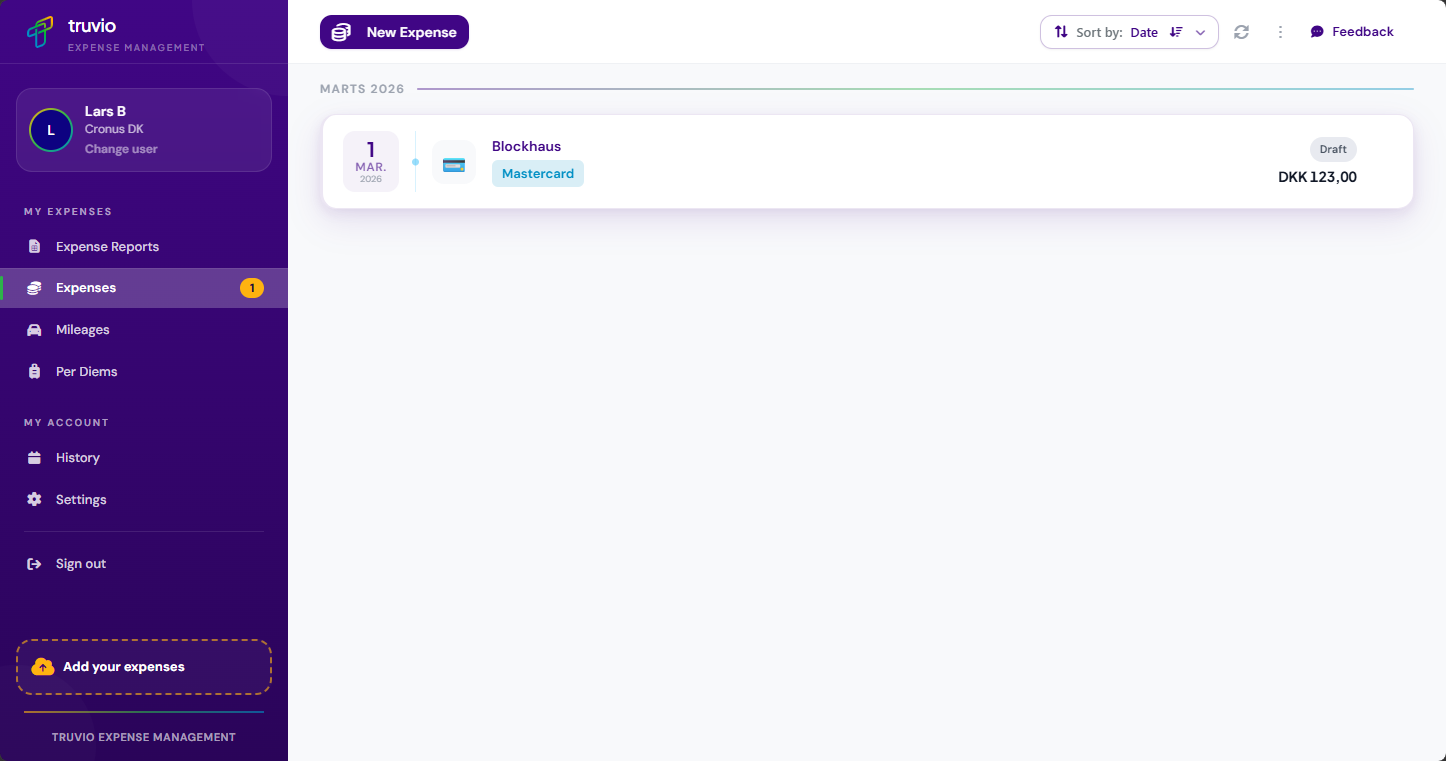
Web portal
Expense users open the portal in a browser at:
https://<customerid>.appsfordynamics365.com
<customerid> is the Customer ID generated for your company. After opening that address, expense users sign in with their own credentials.
Mobile app
The app is available for Android and iOS - expense users search for Truvio Expense Management in Google Play or the Apple App Store and install it. On the login screen they enter the company Customer ID, then their username and password; the app remembers both for next time.
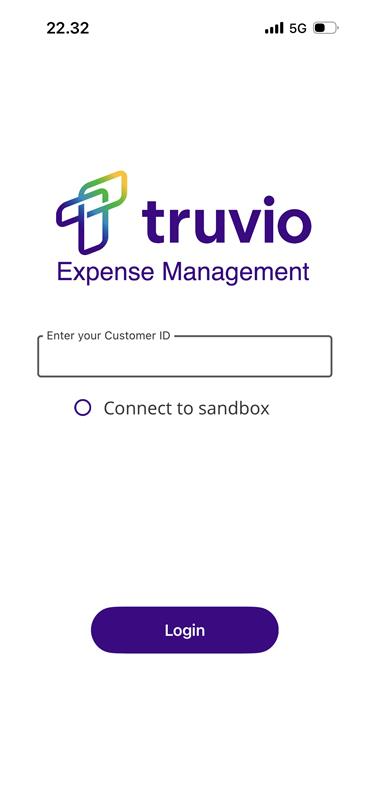
Finding the Customer ID
The Customer ID is in the welcome email you received when you were added as a TEM user. If you do not have it, contact your finance team.