Review posted expenses and reporting
Goal
Review posted records, build reports, and produce audit exports after expenses have been posted and reimbursed.
Posted records
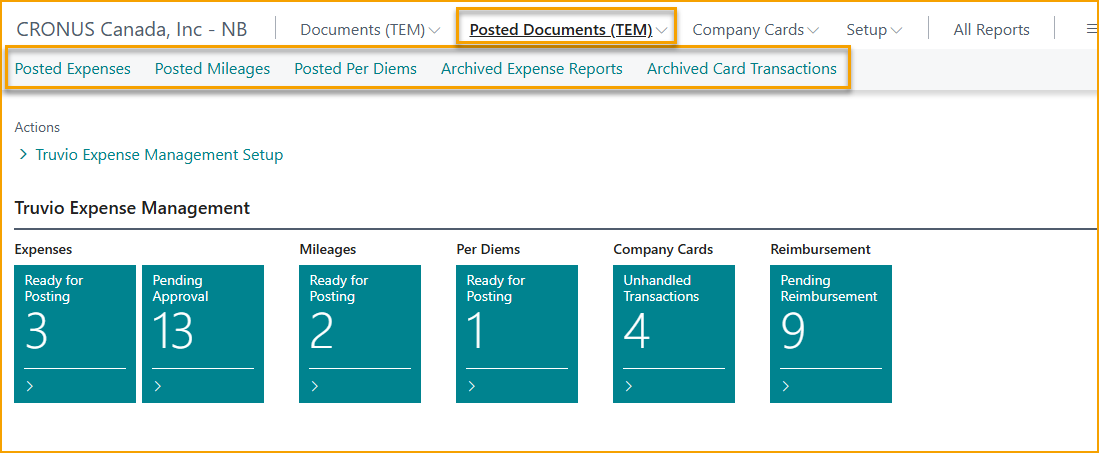
The following pages are available to finance for review and reporting:
- Posted Expenses
- Posted Mileages
- Posted Per Diems
- Archived Expense Reports
- Archived Card Transactions
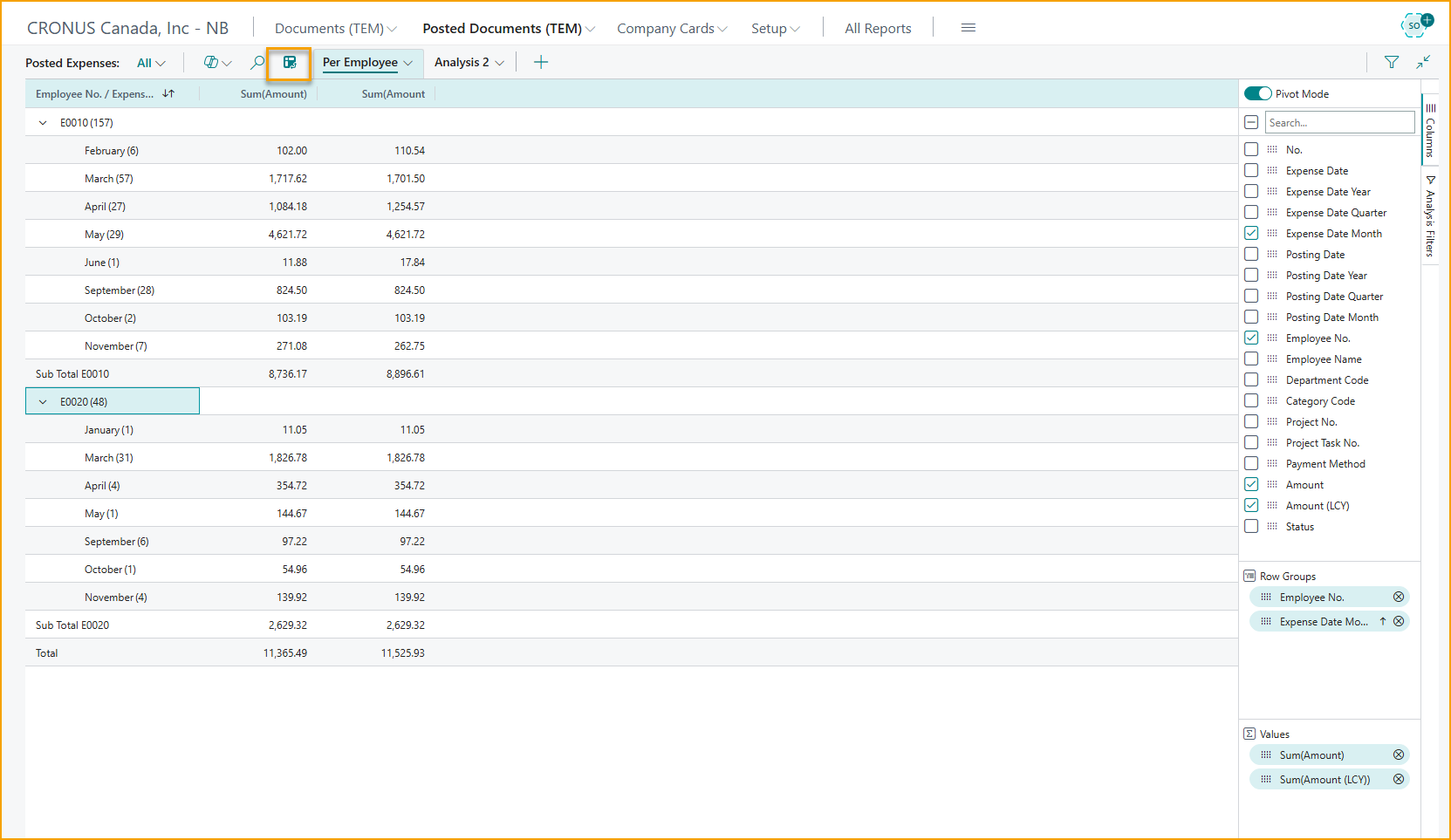
Build reports with Analysis Mode
Analysis Mode on these pages lets you pivot, filter, and save report views without leaving Business Central.
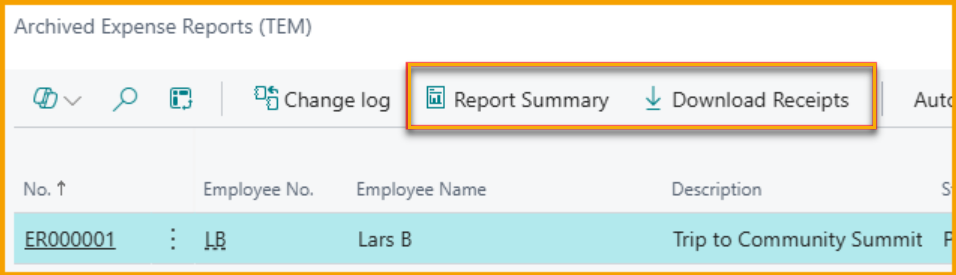
Audit exports
The Archived Expense Reports page can generate a summary report and download all receipts for an expense report as a single zip file - useful for audits or sharing expense details with external parties.
Map merchants to vendors
Vendor Mapping links a merchant name identified by SmartExtract on a receipt to a vendor card in Business Central. This lets you monitor and analyze spend per vendor even when costs are incurred through employee expense claims.
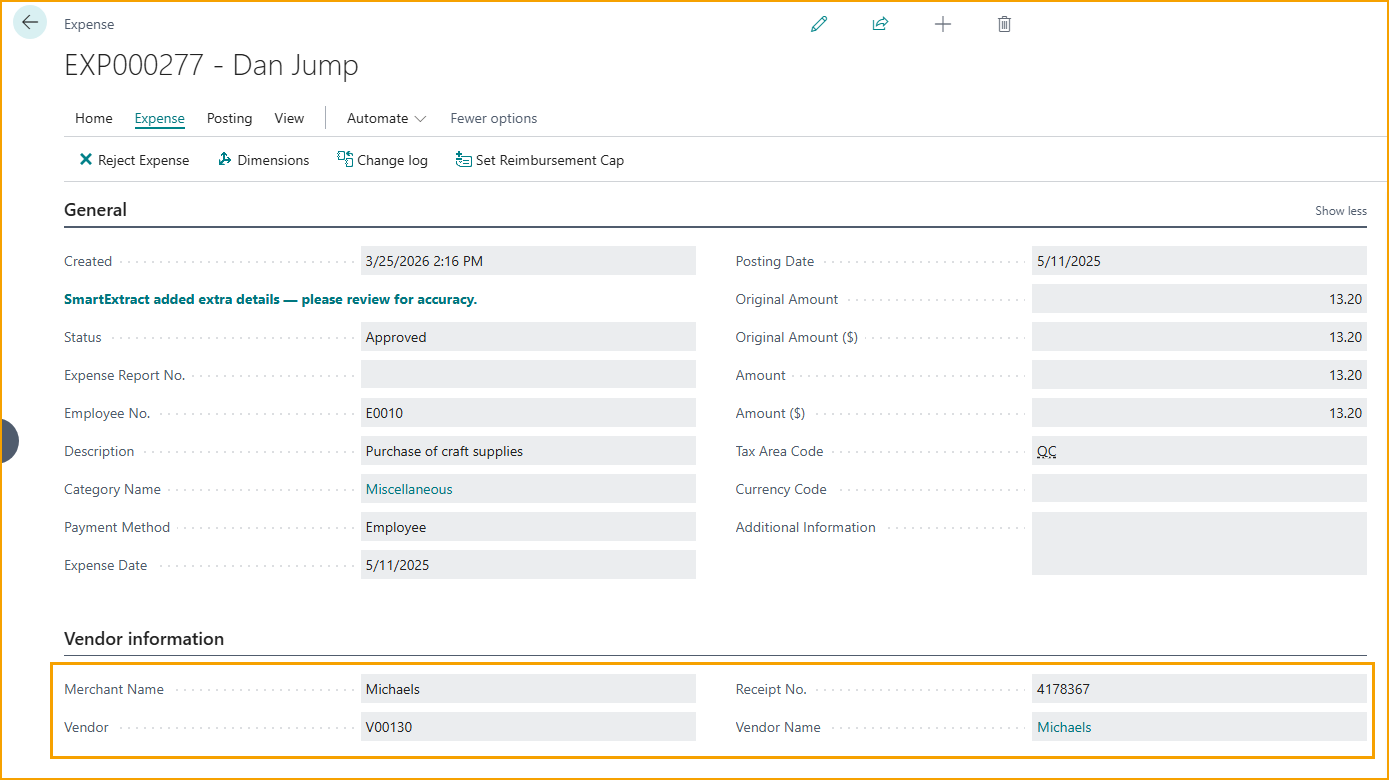
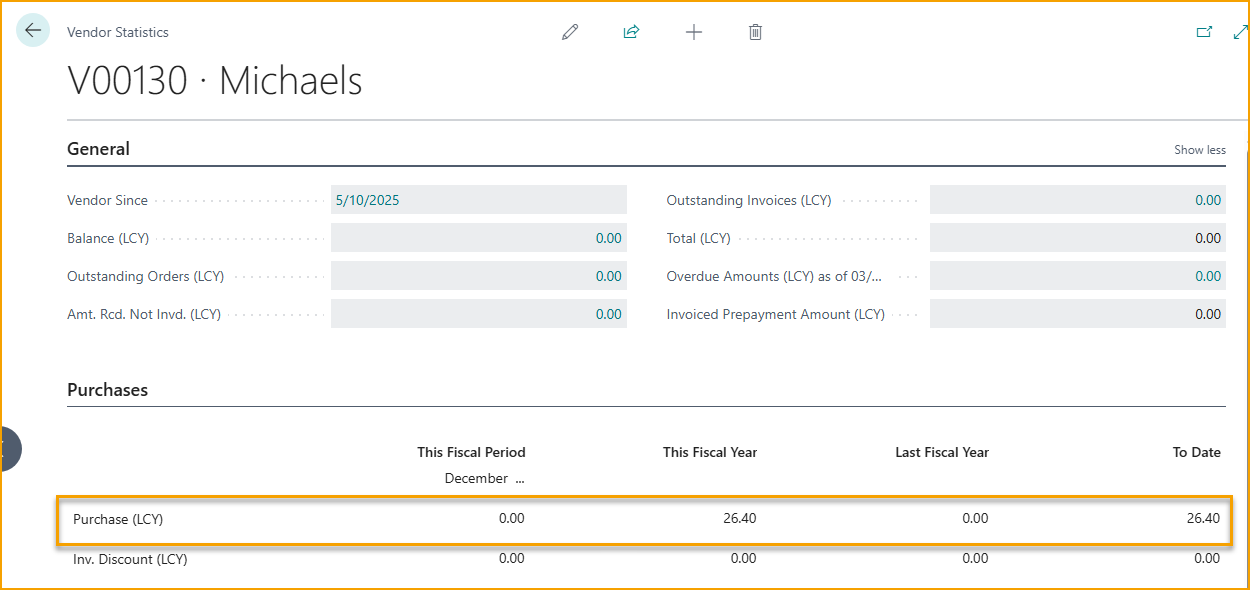
When mapped expenses are posted, the amounts are reflected on the vendor as purchases, so vendor statistics and reporting include expense-based spend.
Related
- Concept: Posting and GL
- How-to: Process reimbursements